Jpg to Pdf Converter
Turn photos of receipts, scanned pages or pictures into one tidy PDF. Drop in JPG, PNG or WebP images, put them in order, choose the page size and margins, and download the PDF — all inside your browser, so your documents never leave your device. JPEG photos are embedded as they are, without re-compressing, so they keep their original quality.
- Free to use
- No sign-up
- Runs in your browser
JPG to PDF converter
Document Scanning & Filing Templates
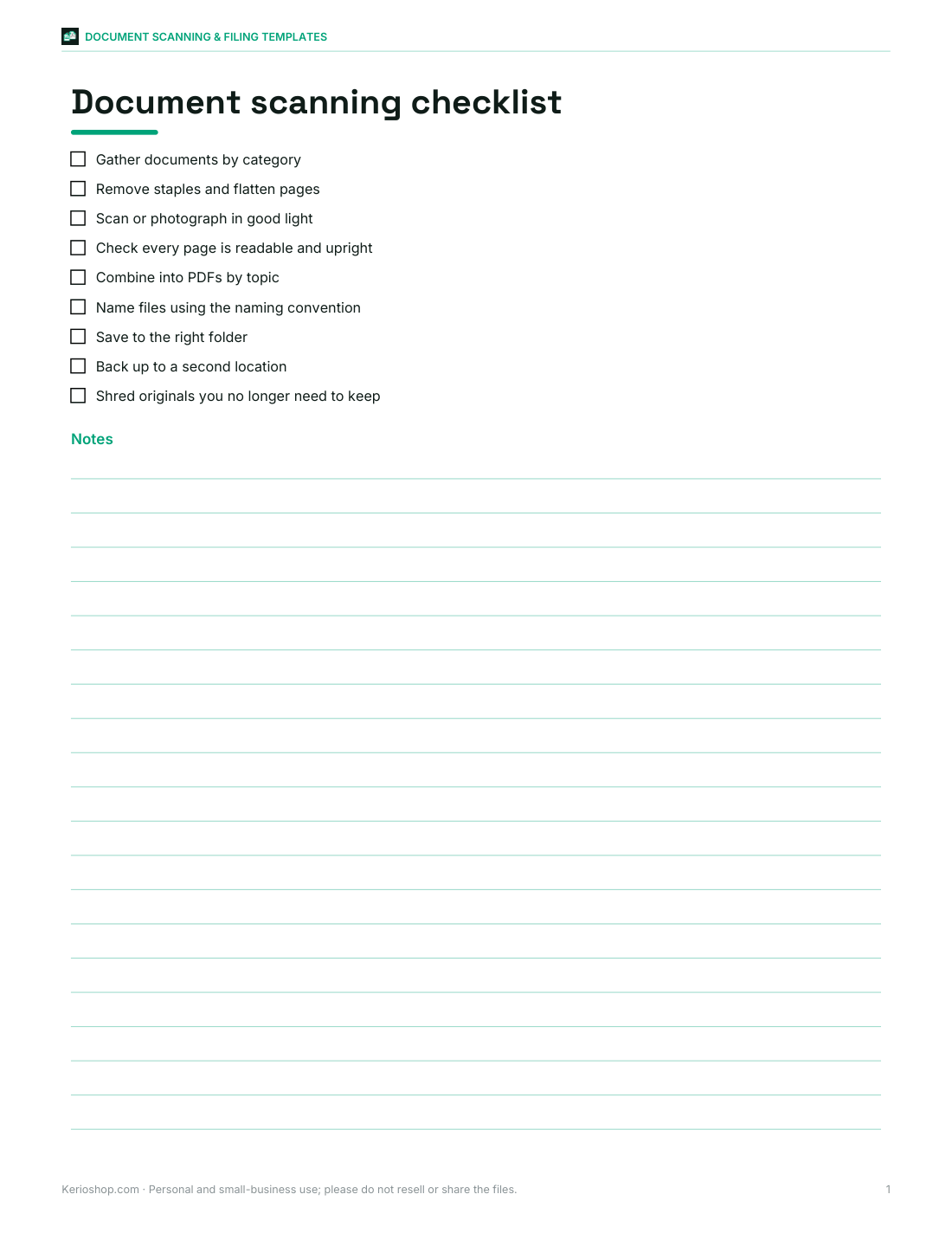
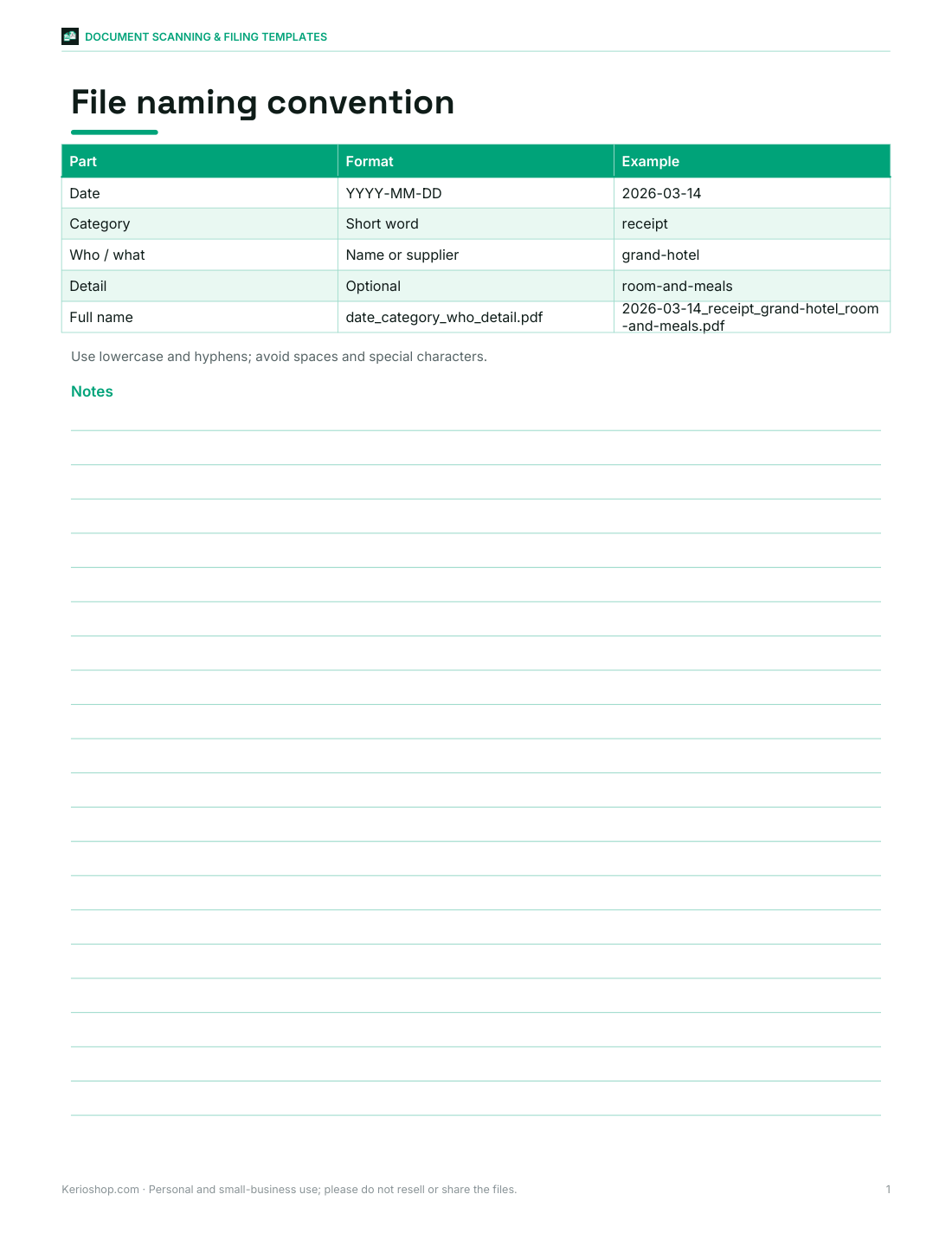
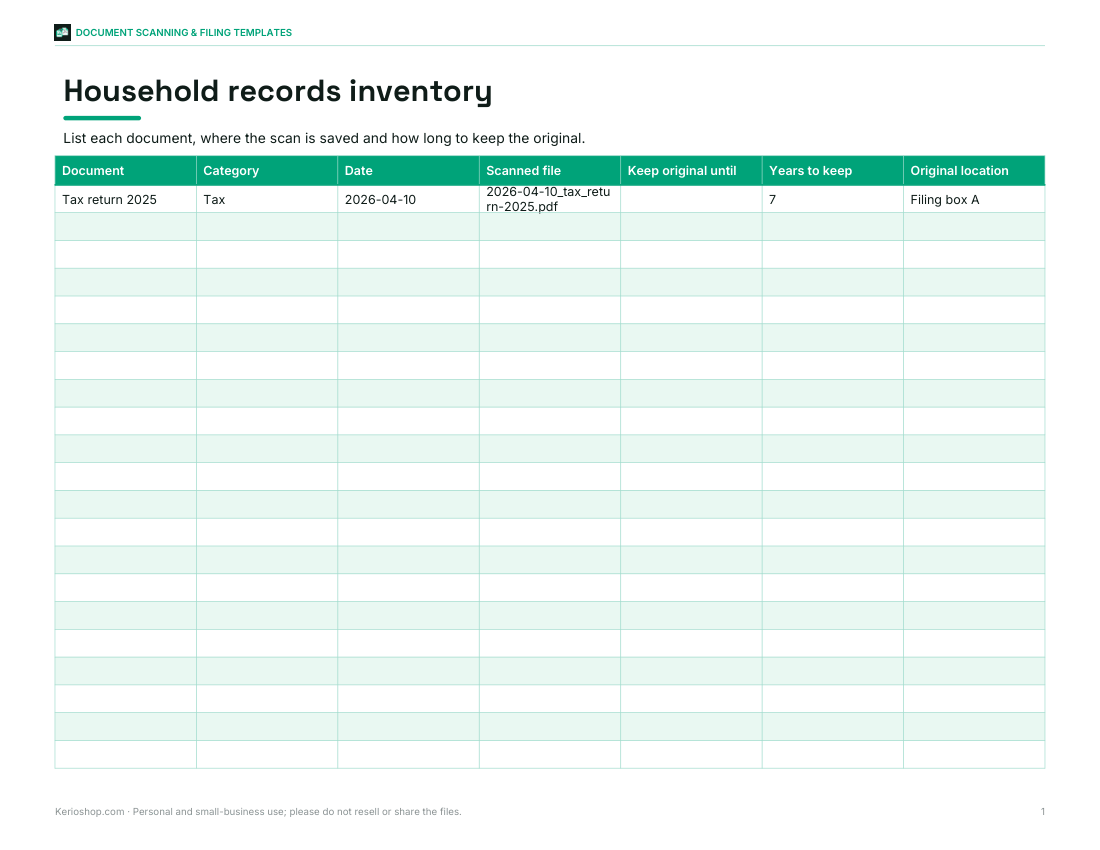
Document scanning checklist, file naming convention guide, Excel household records inventory with retention dates, receipts log and a digital folder structure template.
- Scanning checklist (PDF, DOCX)
- Naming guide (PDF/DOCX)
- Records inventory (XLSX)
- Receipts log (XLSX, PDF)
- Folder structure (PDF)
Formats: PDF, DOCX, XLSX. Instant download after payment (link valid 72 hours, up to 5 downloads). AI-assisted: the templates were drafted with AI help and reviewed and laid out before publishing.
$5.00 USD, one-time 5 files · about $1.00 each
- Instant download
- 7-day refund
- Secure checkout by Stripe
7-day money-back guarantee. Full refund within 7 days of purchase, even after you download.
Free sample: Document Scanning Checklist (PDF, 52 KB)
Full refund within 7 days — see the refund policy and license.
Free printables
Single sheets you can print right now, no sign-up. The full pack adds every sheet in one download plus the editable files.
 Printable Document Scanning Checklist
 File Naming Guide Printable
 Printable Records Inventory Sheet
 Printable Receipts Log
 Printable Folder Structure Chart
How to convert JPG to PDF
- Drop your images onto the box, or click “choose files” — you can select many at once.
- Use the arrows to put pages in the right order, or ✕ to remove one.
- Choose A4, US Letter or “Fit to image” pages, the orientation and the margin.
- Name the file and press Create PDF. It downloads straight away.
Everything happens on your device. The images are read by your browser and written into a PDF locally; nothing is uploaded to a server, which makes it suitable for private documents such as IDs, receipts and contracts.
Quality and file size
JPEG photos that are already the right way up are placed into the PDF exactly as they are — the PDF format can hold JPEG data directly — so there is no loss of quality and the PDF is only slightly larger than the images combined. PNG, WebP and GIF images, and JPEGs that rely on a rotation tag from a phone camera, are converted to high-quality JPEG (quality 92%) first, with transparent areas filled white. To make a smaller PDF, resize or compress photos before adding them.
Choosing a page size
| Option | Best for |
|---|---|
| A4 (210 × 297 mm) | Documents for most of the world; printing and emailing to offices |
| US Letter (8.5 × 11 in) | Documents for the US and Canada |
| Fit to image | Photo albums, slides and screenshots — each page is exactly the image’s size |
“Auto” orientation turns each page to landscape when the image is wider than it is tall, so wide photos fill the page.
Worked example: expense receipts
After a business trip you have eight phone photos of receipts. Drop them all in, move the hotel invoice to the top, choose A4 with a medium margin and name the file “trip-expenses-march.pdf”. The result is an eight-page PDF, one receipt per page, ready to attach to an expenses claim. Because phone photos often carry a rotation tag, some are converted so they appear upright — the list shows which were kept as original JPEG and which were converted.
Tips for better scans from photos
- Photograph documents on a dark, plain background in good, even light.
- Hold the phone directly above the page to avoid keystone distortion.
- Turn off the flash to avoid glare on glossy paper.
- Crop the photos before converting so the page fills the frame.
- For text documents, a phone’s built-in scanner mode often gives cleaner results.
Privacy and security
Many online converters upload your files to their servers. This tool works offline once the page has loaded: the conversion runs in JavaScript on your device and the PDF is created as a download. Close the tab and the images are gone from memory. The PDF is not encrypted — if a document is sensitive, protect it with a password in a PDF editor or store it securely.
Common uses
- Sending signed forms that you photographed with your phone.
- Combining receipts for an expense claim or tax records.
- Turning scanned pages of a handwritten document into one file.
- Saving screenshots of a web page or chat as a single document.
- Creating a simple photo album or portfolio to email or print.
- Submitting homework or assignments that must be uploaded as one PDF.
Keeping file sizes small
Email and upload forms often limit attachments to 10 or 20 MB. A modern phone photo can be 3–5 MB, so ten photos may exceed that. Resize photos to around 2,000 pixels on the long side before adding them to keep a multi-page PDF small while text stays sharp.
PDF vs image files
A PDF keeps several pages together in the right order, prints at a predictable page size and is accepted by almost every form, portal and email system. Separate JPEG files can arrive out of order, show at different sizes and are awkward to print. Converting to PDF is especially useful when a website asks for “one file” or when you need to print photos on standard paper with margins.
How the PDF is built
A PDF file is a set of numbered objects: a catalogue, a list of pages, and for each page its size, a small drawing instruction and the image itself. The converter writes these objects directly in your browser. JPEG data can be stored inside a PDF unchanged using the DCT filter, which is why upright JPEGs keep their exact original quality. Each image is scaled to fit inside the page margins without stretching and centred on the page.
Limitations
- Very large images (tens of megapixels) may take a few seconds and use a lot of memory, especially on phones.
- CMYK JPEGs from print workflows are converted rather than embedded.
- The PDF contains images only; text in them is not searchable unless you run OCR in another app.
- Animated GIFs use their first frame.
The document filing templates
The template pack includes a document scanning checklist, a file naming convention guide, an Excel household records inventory with retention dates, a receipts log and a digital filing folder structure — PDF, Word and Excel.
Frequently asked questions
Is this JPG to PDF converter free?
Yes, and it runs entirely in your browser.
Are my images uploaded?
No, the PDF is created on your device.
Can I combine multiple images into one PDF?
Yes, add as many as you like and reorder them.
Does it reduce image quality?
Upright JPEGs are embedded unchanged; other formats are converted to high-quality JPEG.
Can I convert PNG to PDF?
Yes, PNG, WebP and GIF are supported.
What page sizes are available?
A4, US Letter, or fit each page to its image.
Can I use it on my phone?
Yes, choose photos from your gallery; very large photos may take a moment.